CCNVR v1.0.4: online upgrade, one package for manual updates, and faster global delivery
CCNVR v1.0.4 is about keeping installations current with as little effort as possible — plus a closer look at the multi-view video wall that turns a browser into a monitor wall.
Multi-view video wall
The video wall page turns a browser into a monitor wall, with the same channel tree and PTZ control as the rest of the app:
- 4 / 6 / 9 / 16 / 32 split layouts, plus irregular layouts for asymmetric screens
- Drag panes to swap channels; close a single pane; auto-fill the whole wall; clear it in one click
- Double-click a channel to open it in the current pane
- PTZ control directly from the selected pane
- Fullscreen the video wall only, without the surrounding page
- Always-visible pane top bar and stretched video fill options
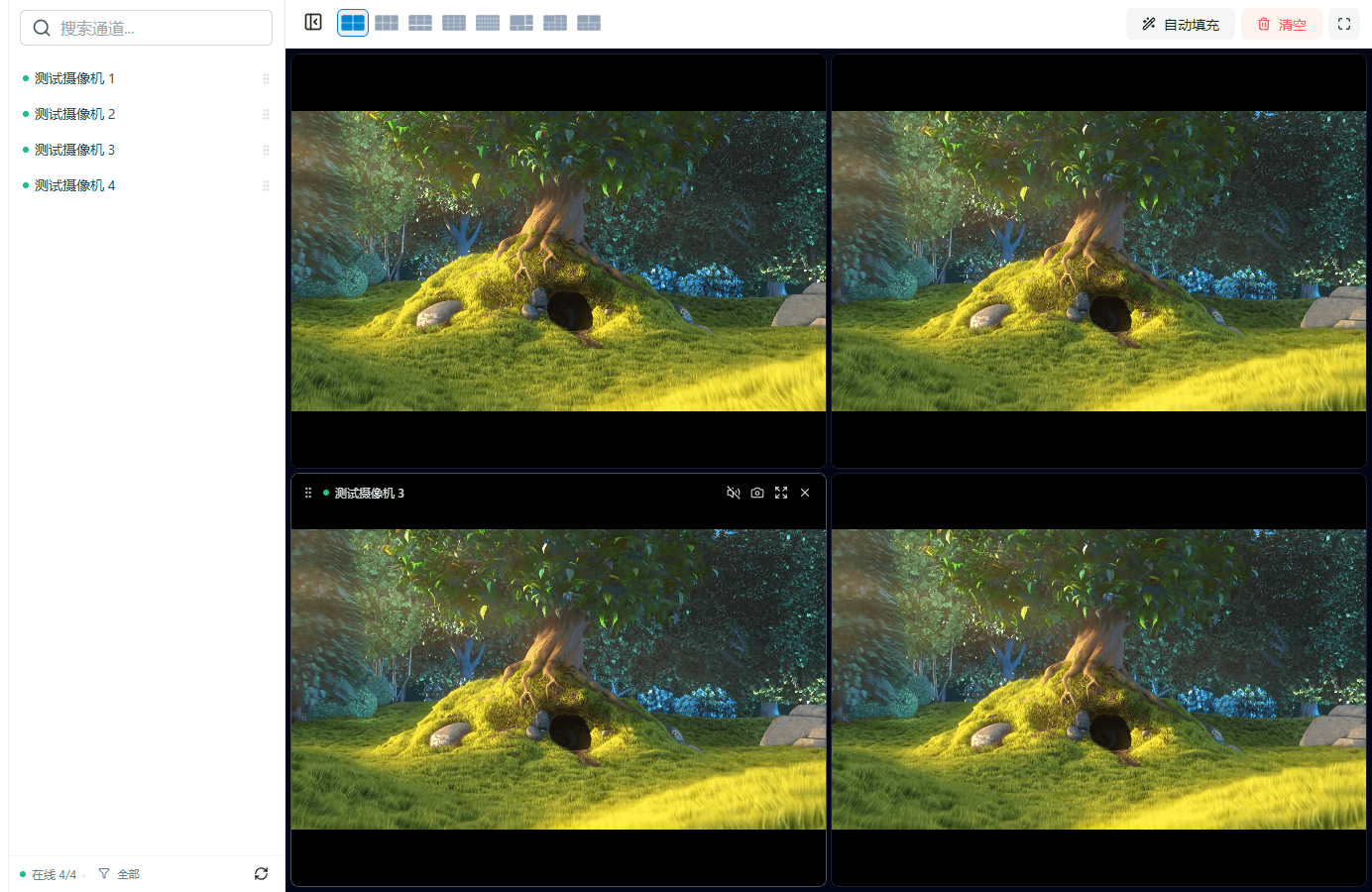
Four online channels on a 4-pane video wall (local v1.0.4).
Online upgrade
System Settings → System Info now offers the whole upgrade flow:
- Check for updates and see the new version, package size and release notes
- Download with a real progress bar, then verify the package hash and Ed25519 signature locally
- Apply with one click; the service restarts automatically
- If the new version fails its health check, CCNVR rolls back to the previous version automatically
Older installations keep working as before: install v1.0.4 once, and online upgrade is available from this version onward.
One package for manual upgrades
The standard installation package is now signed, so the same zip can be used for:
- first-time installation
- uploading in System Info → Manual Update
- online upgrade delivery
There is no longer a separate "OTA package" to download or keep track of.
Faster delivery worldwide
The version manifest and the packages are now served by Cloudflare:
- the version check is answered from the nearest edge location
- packages are downloaded from Cloudflare R2 with range requests and retry support
- overseas installations no longer depend on a single regional endpoint
The online upgrade package only contains the program and the web UI (about 17 MB). The full standard package, which also carries MediaServer and ffmpeg, stays around 50 MB and is only needed for a fresh install or a manual update.
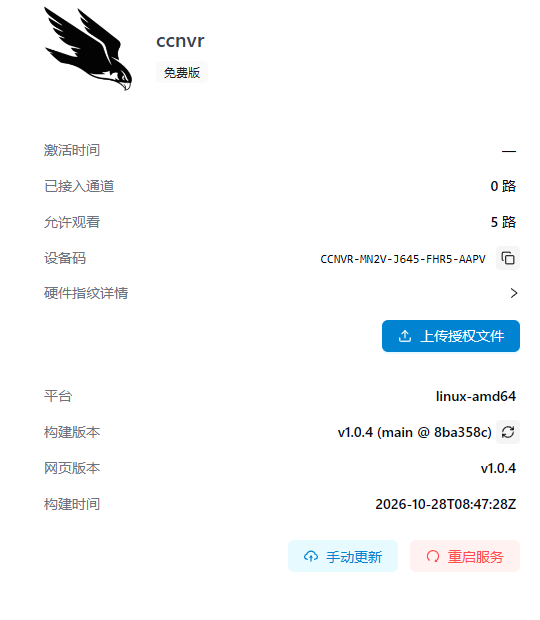
System Info shows the built version and the update entry point (demo environment, v1.0.4).
Other fixes
- Clearer error messages when the update source is not configured or cannot be reached
- Download and verification failures no longer interrupt recording or live view
How to upgrade
- Download the standard package for your platform from the download page.
- Install it once (existing configuration, licenses and recordings are preserved).
- From v1.0.4 on, use System Info → Check for updates for future releases.
Full release notes are available in the changelog, and the version manifest used by both the website and the devices is public at https://ota.ccnvr.com/versions.json.